Checklist · PDF
OPTIMJACK Response Checklist
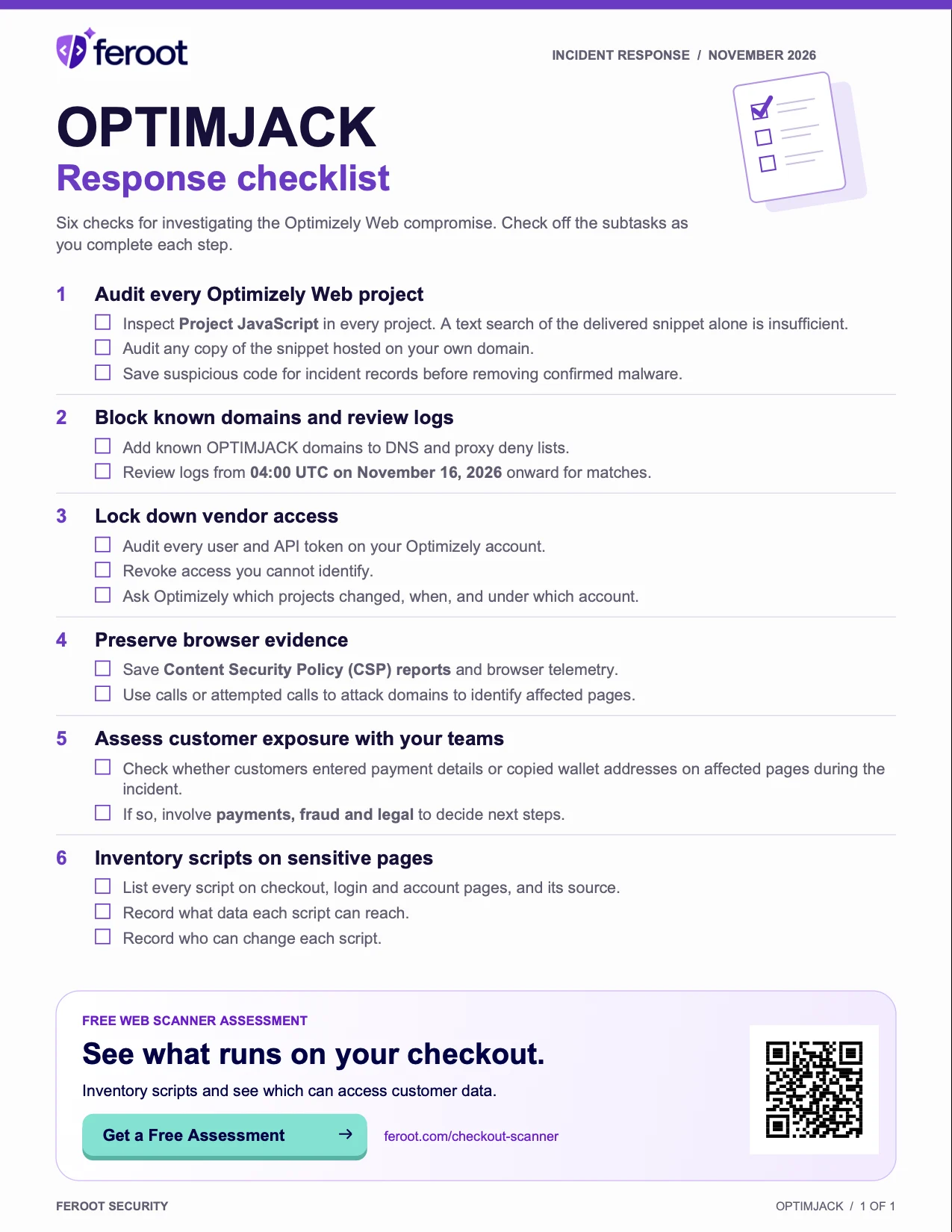
Six checks for investigating the Optimizely Web compromise. Work through it with your security, web and payments teams, and check off each sub-step as you go.
What the checklist covers:
- Audit every Optimizely Web project, including copies of the snippet hosted on your own domain.
- Block the known OPTIMJACK domains and review your logs from the start of the incident.
- Lock down vendor access: audit users and API tokens, and revoke anything you can’t identify.
- Preserve browser evidence, such as Content Security Policy reports, to find affected pages.
- Assess customer exposure with your payments, fraud and legal teams.
- Inventory the scripts on checkout, login and account pages: what each can reach and who can change it.
Watch the 45-second OPTIMJACK videoRead Feroot’s OPTIMJACK analysis
See What Runs on Your Checkout
Inventory the scripts on your payment pages and see which ones can access customer data, then review the findings with a Feroot security expert.